What Is the Phone Numbers Section?
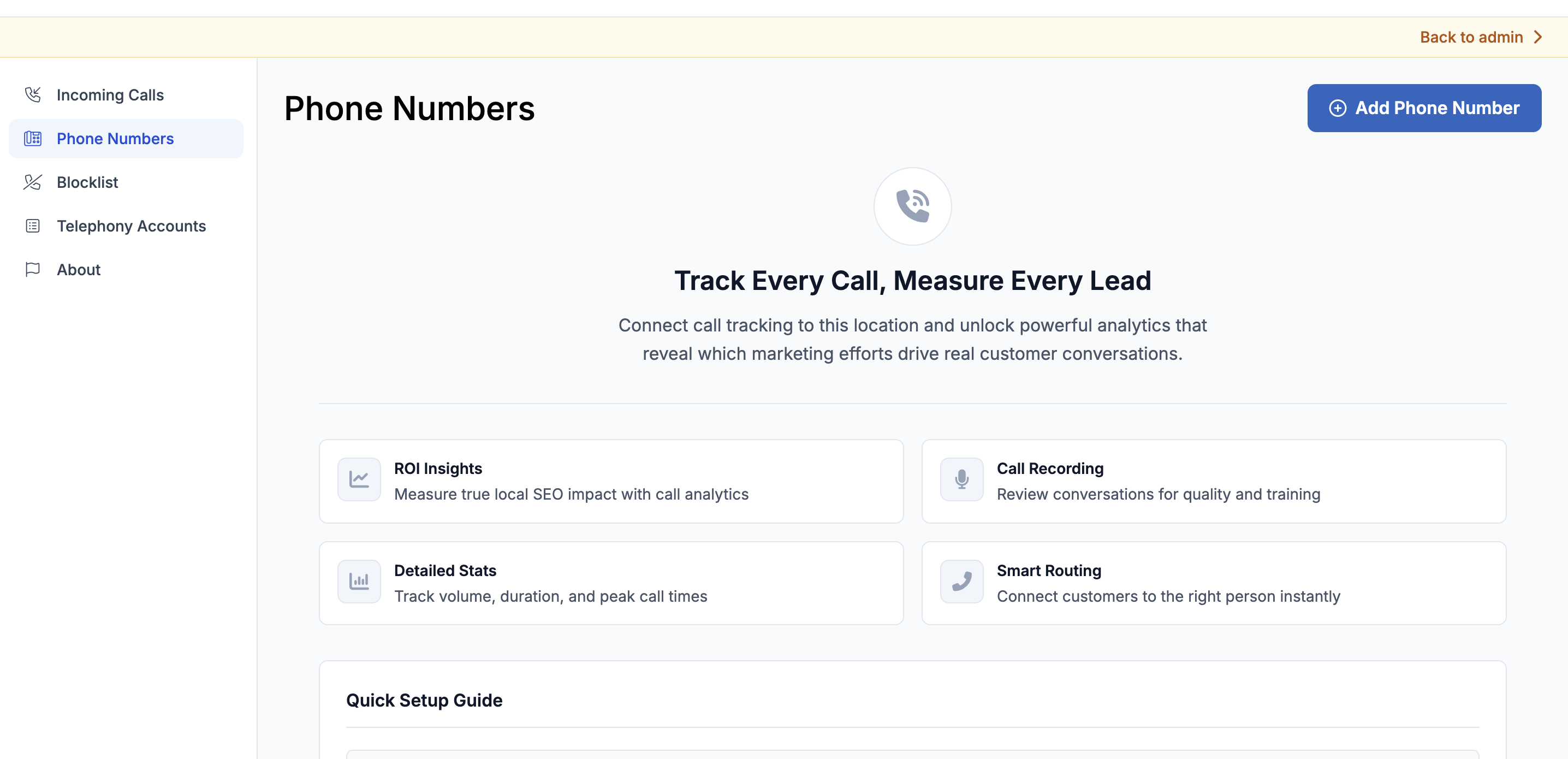
The Phone Numbers section is where you purchase and configure the tracking numbers that power your Call Tracking setup. Each tracking number sits between the customer and the business — capturing call data before forwarding the call to the actual business phone line.
Numbers can be purchased directly inside LocalOptics by searching available numbers, or they can be pulled in automatically from a connected telephony account such as Twilio or SignalWire.
💡 Good to know: You must configure at least a forwarding number before a tracking number is functional. Without a forwarding destination, calls to the tracking number will not reach the business.
Configuration Options
Once a number is added, here's everything you can configure:
General
| Setting | What it does |
|---|---|
| Enable / Disable | Turn the number on or off |
| Custom name | Internal label — syncs with your telephony provider |
| Link to location | Connects the number to a LocalOptics location for reporting |
| Voicemail notifications | Emails selected users when a voicemail is received |
💡 Always link a number to a location so call data appears in your location reports.
Call Forwarding
| Setting | What it does |
|---|---|
| Destination number ✅ Required | The real phone number calls are forwarded to |
| Call timeout | How long the line rings before going to voicemail |
| Spam protection | Callers must press a key before connecting — filters robocalls |
| Recipient confirmation | Answerer must press a key to accept the call |
| Blocklist enforcement | Blocks numbers on your blocklist from reaching this line |
Business Hours
Set the time zone and active hours for this number. Calls outside these hours go straight to voicemail automatically.
Voicemail
| Setting | What it does |
|---|---|
| Force redirect to voicemail | Sends all calls to voicemail regardless of hours |
| Greeting | Text-to-speech message or MP3 upload |
| Transcription | Auto-transcribes voicemails — readable on the Incoming Calls page |
Whisper Message
A short audio clip played to the person answering — before the caller hears anything. Useful for identifying which campaign or location a call is coming from before picking up.
Call Recording
Enable call recording with a customizable disclosure message played at the start of the call.
⚠️ Call recording laws vary by location. Always verify local legal requirements before enabling this feature.
Need Help?
If a number isn't forwarding correctly, check the destination number is saved and business hours are set to the correct time zone. Reach out to the LocalOptics support team if the issue continues.