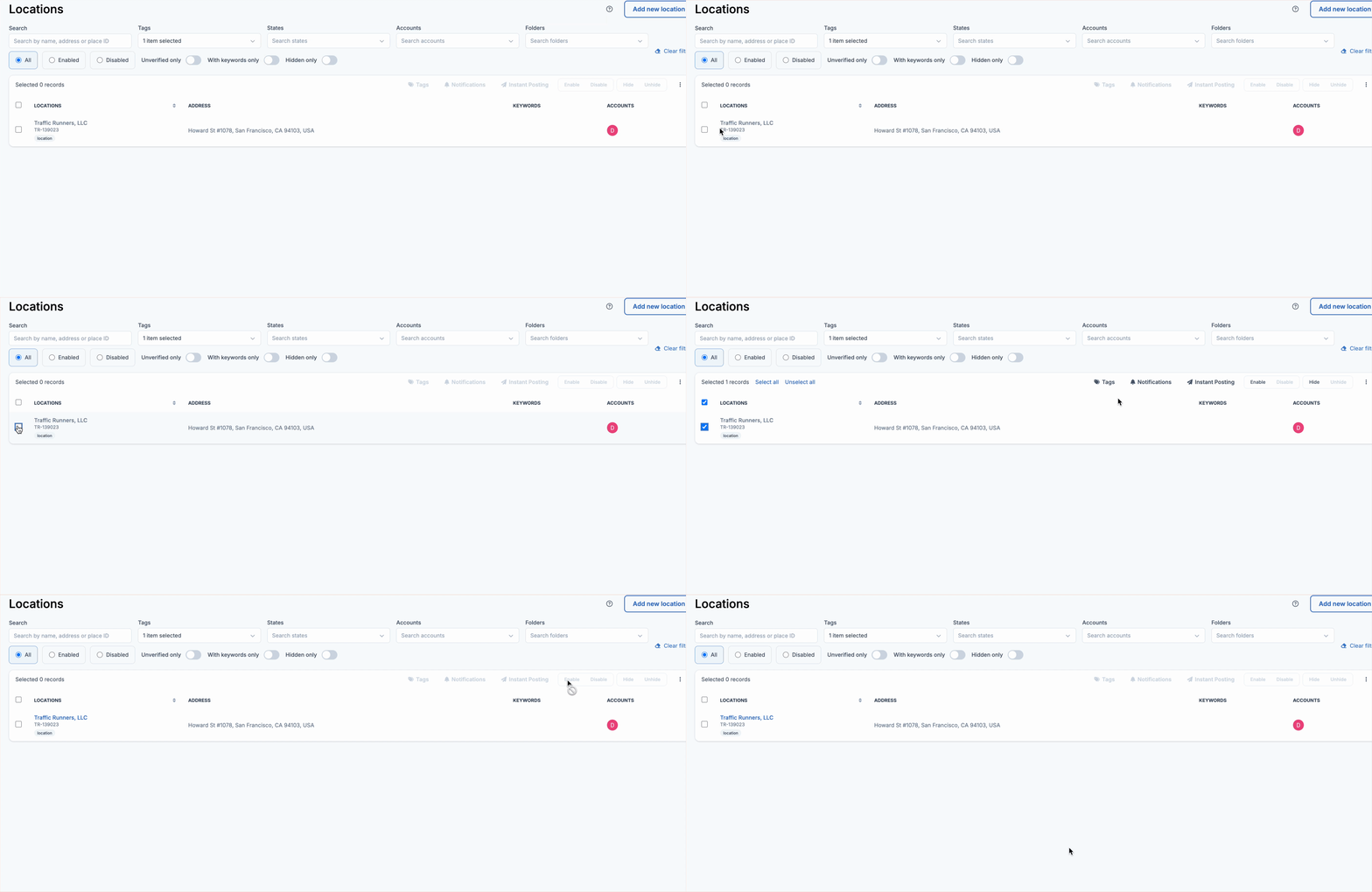
Hover over a location that’s gray, select it, and then click the **Enable** button on the right side of the screen. The location will then turn blue.

Hover over a location that’s gray, select it, and then click the **Enable** button on the right side of the screen. The location will then turn blue.