What Is Competitor Analysis in GeoGrids?
When you run a GeoGrid for a search term, LocalOptics doesn't just show you how your business ranks — it also shows you how your competitors rank for the exact same search term, at the exact same time.
This lets you benchmark your performance directly against the businesses competing for the same customers in the same area.
💡 Good to know: Competitor data is tied to the specific search term you used. So a competitor who ranks highly for "24-hour flood cleanup" may rank very differently for "burst pipe repair." Run GeoGrids for multiple search terms to get the full picture.
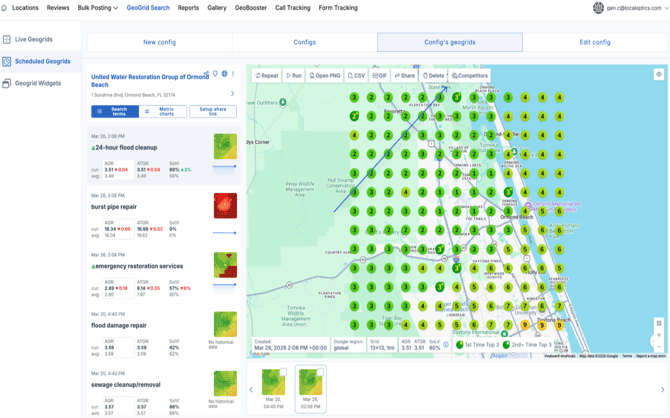
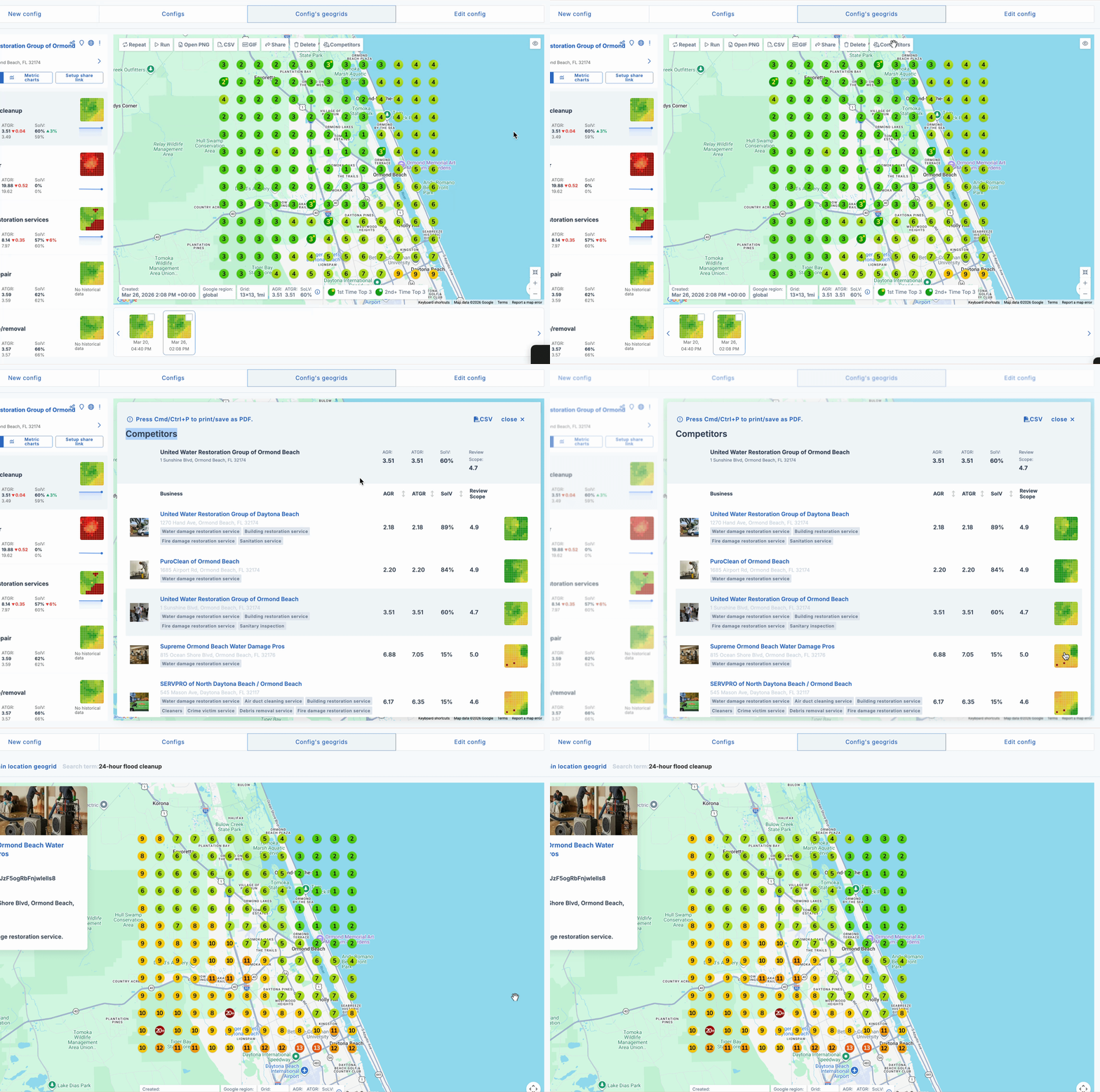
Click the Competitors button Inside the GeoGrid result, click the Competitors button. A panel will open showing a full list of all the businesses competing for that search term in your area
.
View a competitor's GeoGrid To see exactly how a competitor ranks across the map, click the GeoGrid button next to their name. This opens their GeoGrid for the same search term and the same time period — so you can compare their ranking map directly against yours.