Welcome to Local Optics account,
To start working with your Google Business Profile (GBP), you'll need to connect the Google account(s) managing your GBP listings.
To connect accounts to the dashboard:
-
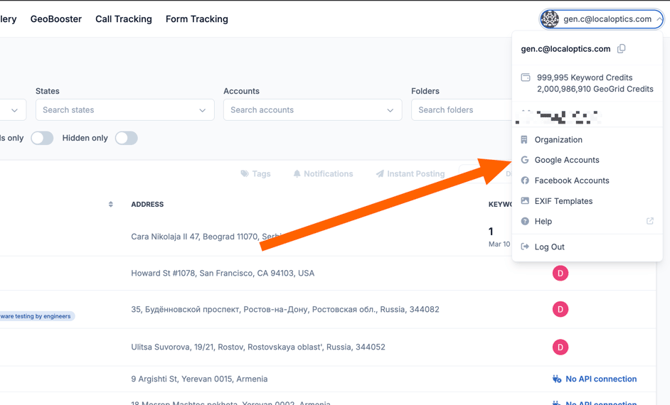
In the Local Optics dashboard, click the drop-down menu at the top right of your screen and select the "Google Accounts" menu item. Alternatively, if you have no locations in the account, you can click the "connect a Google account" link on the "Locations" page.
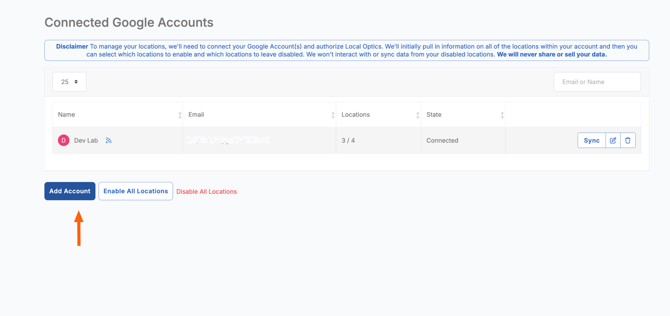
- Your browser will be redirected to Google, and you can start the authorization process. Click on the Google account you want to connect.
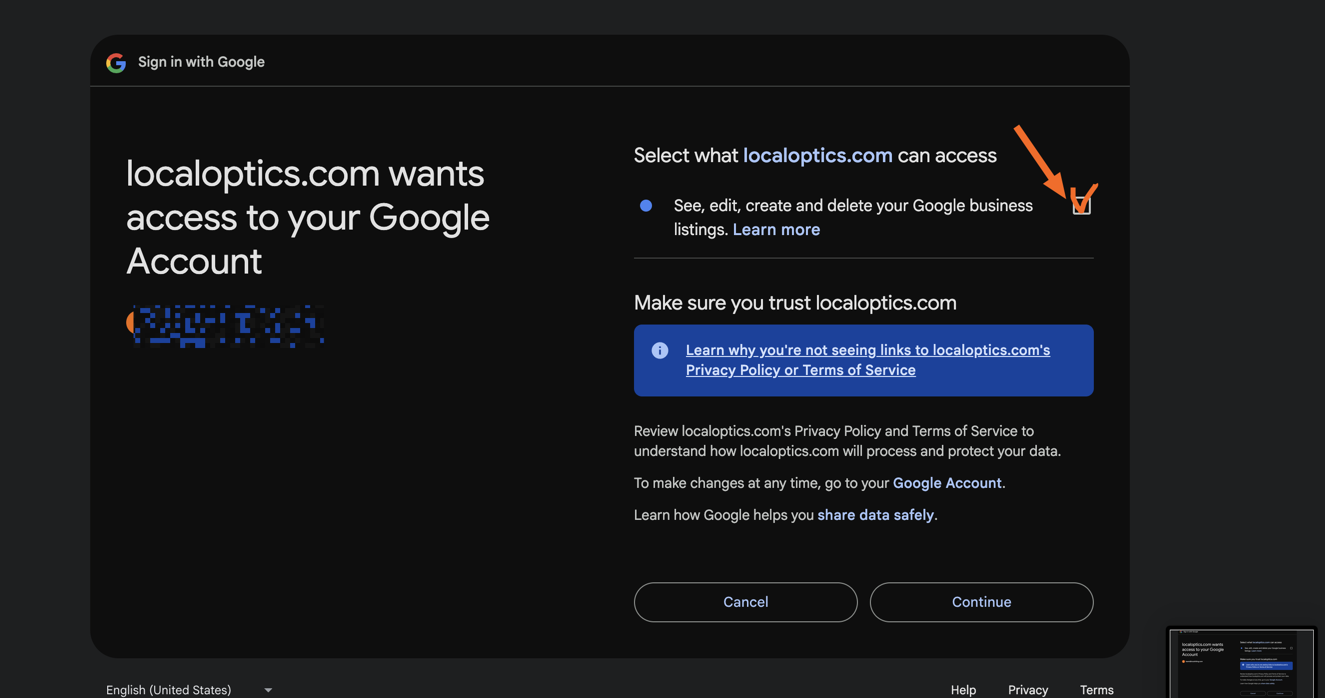
- Grant permissions — On the next screen, make sure to allow the Local Optics application to "See, edit, create, and delete your Google business listings", then click "Continue".
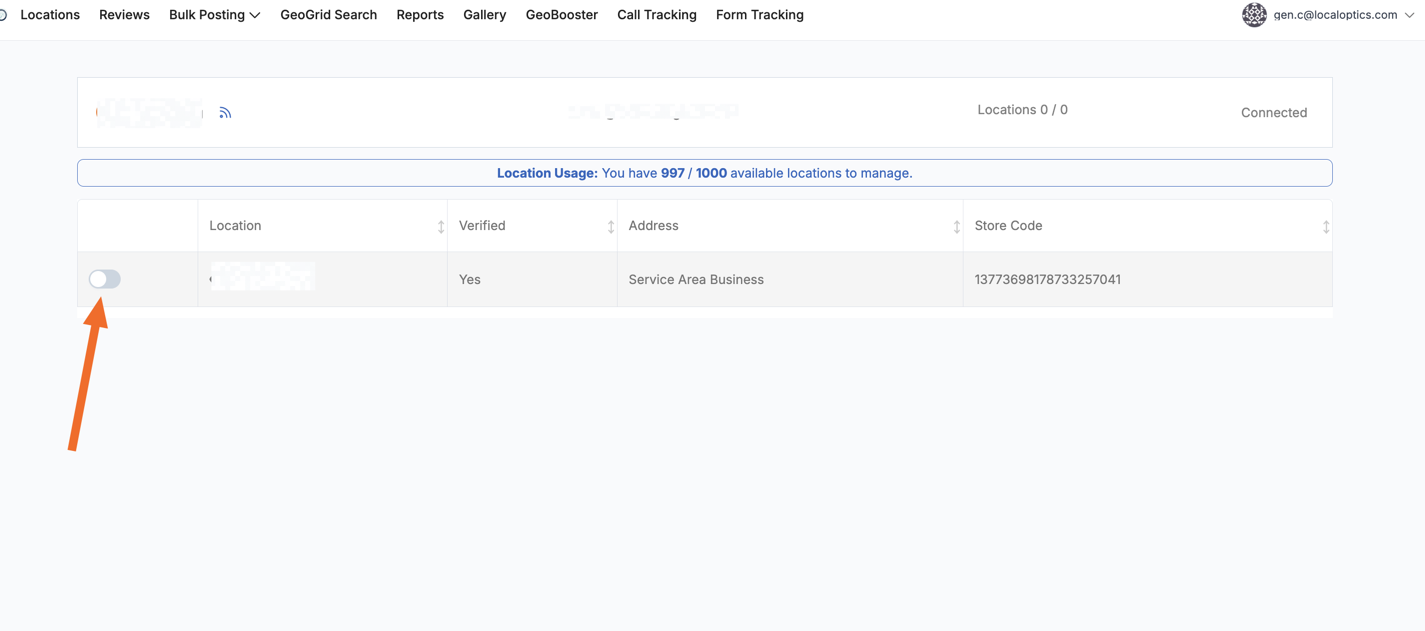
- Select locations to sync — You'll be redirected back to the Local Optics dashboard, where you can choose which locations from the connected Google account you'd like to sync in.
Please note: you can connect several Google accounts to your Local Optic Local account.